Bring your people
Open the studio, create a room and share the link with your guests. Different cities, one conversation.
Invite guests with a link. Record a podcast or interview in your browser. Get separate tracks and a transcript.
Start recordingEvery voice, its own track. Studio interface currently in Russian.
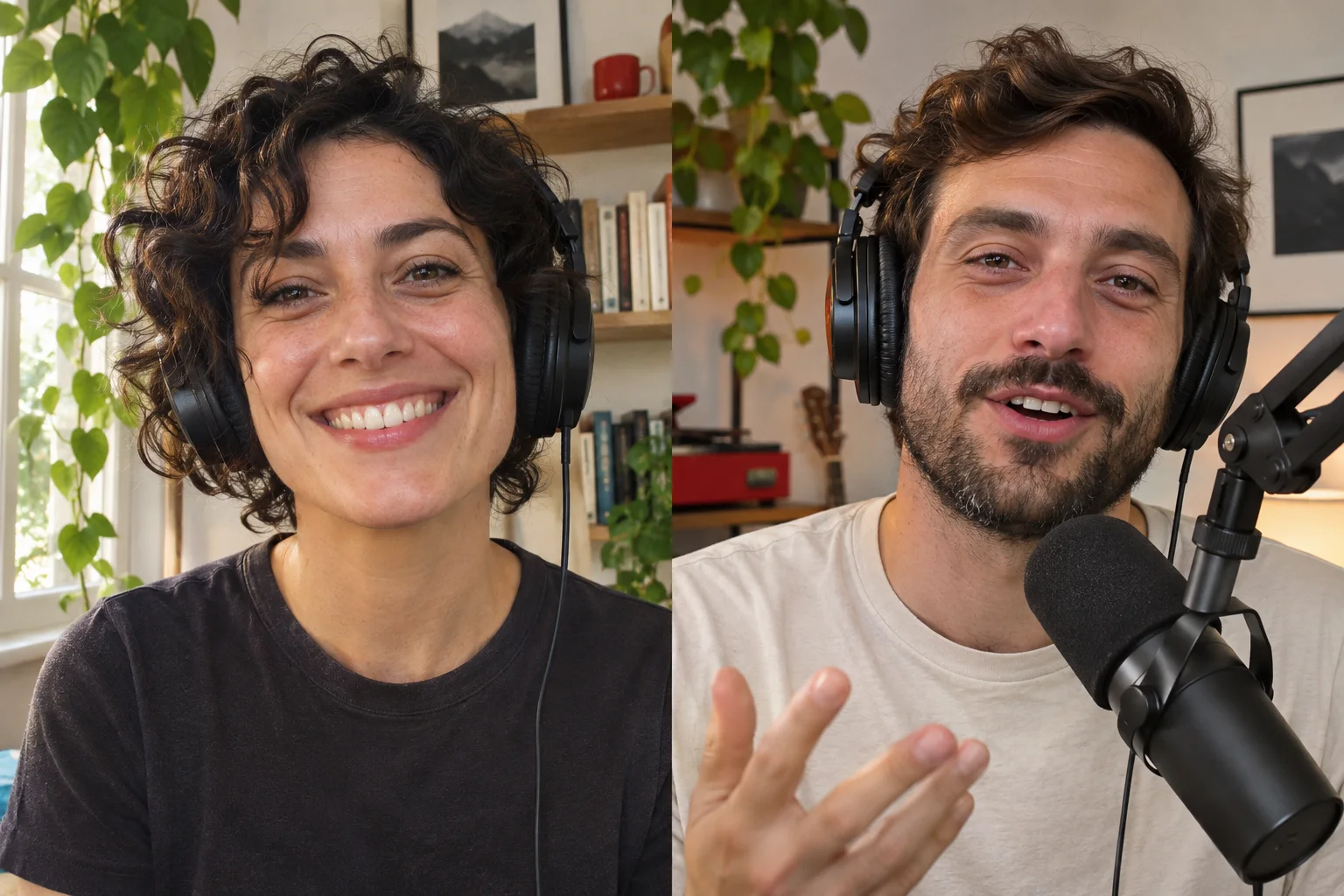 Anna Host
Max Guest
01 / How it works
Open the studio, create a room and share the link with your guests. Different cities, one conversation.
Choose your microphone and camera, then check your sound. Each participant records locally on their own device and uploads a separate track to the studio.
Wait for all uploads to finish. Download the tracks, start a transcription and hand the files over to your editor.
02 / Inside the studio
From the first “can you hear me?” to recording files you can work with.
Each participant’s audio and video are saved separately. Adjust one guest’s volume or edit between different camera angles.
Guests can also download their own local copy.
Start a transcription of your finished recording. Read the conversation, find useful moments and prepare your episode notes.
A transcript helps you find the moments you almost forgot.
What makes a great podcast?
Someone with a story to tell.
That’s our cue. Let’s record.
Invite collaborators to a specific podcast. They can listen to recordings, read transcripts and download the files.
Manage collaborators03 / Your format
Record a podcast with a co-host in another city. Separate audio tracks help you balance voices and prepare your episode for editing.
Invite your interview guest with a link. Bring a browser, microphone and headphones. Use the transcript to find quotes after the conversation.
Switch on your cameras to record a video podcast. Download each participant’s video track and send the files to your editor along with the audio.
04 / Before you hit REC
Start with a computer, a browser, a microphone and headphones. A built-in microphone works; an external one can improve your sound. Add a camera for video podcasts. Check your devices in the studio before the conversation.
Yes. Create a room and send your guest the link. You each join in your own browser. Audio and video are recorded on each participant’s device and uploaded separately. An internet connection is needed during the conversation.
The web studio needs a browser and microphone access. For video, you’ll also need a camera. Send your guests a link to the room.
Click “Start recording” to open the studio. Enter your email and the one-time code from your inbox. No password needed. Guests join using the room link. The studio interface is currently in Russian.
Tracks are recorded on each participant’s device and uploaded in chunks. An interrupted upload can resume in the same browser. Keep the tab open and wait for confirmation that all tracks have uploaded. Local recording cannot protect against your device going to sleep or the browser closing.
Once uploads finish, you get separate audio and video tracks for participants who had their microphones and cameras on. You can start transcription from the recordings list. Editing and preparing your final episode comes next.
Whatever interests you: work, bikes, life or your favourite music. Our name has a cheeky Russian meaning, but your podcast doesn’t need a single swear word.
You’ve got a mic. You’ll find a story.
Your next podcast starts with a conversation.